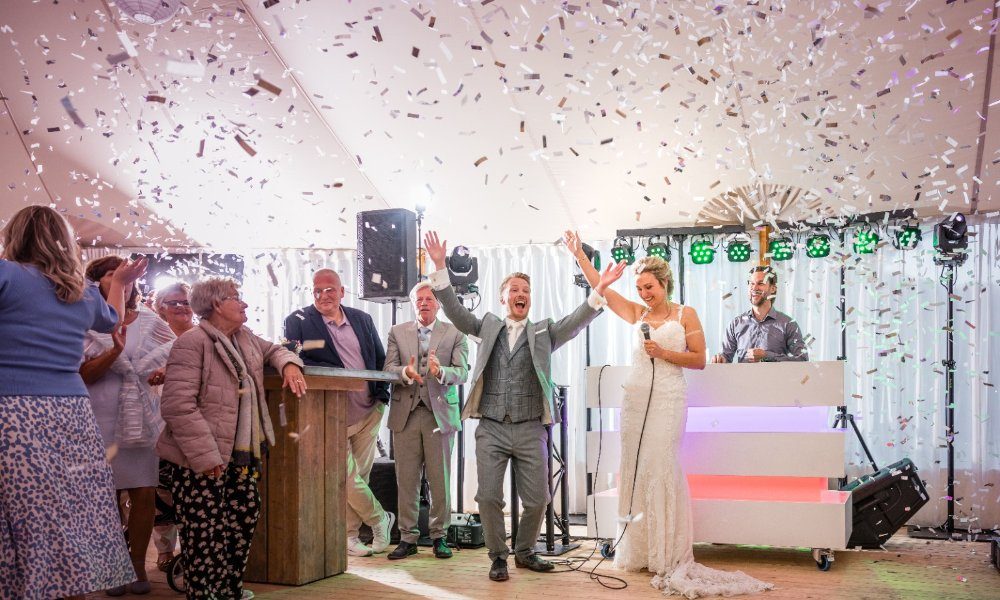
Waarom goed geluid zo belangrijk is
Je bruiloft is een dag om nooit te vergeten. De juiste muziek en goed geluid maken écht het verschil tussen een ‘oké’ feest en eentje waar nog lang over wordt nagepraat. Of je nu buiten in de tuin, in een sfeervolle zaal of op een unieke locatie trouwt: goede speakers zorgen ervoor dat zowel de ceremonie, de borrel als het feest helemaal tot hun recht komen. Je favoriete nummers klinken prachtig en speeches zijn voor iedereen verstaanbaar.
Speakers huren – zo geregeld
Bij Hertz en Ziel huur je eenvoudig een complete speakerset die aansluit op ieder bruiloftsfeest. Of je nu zelf draait, een bandje hebt, of je vrienden een afspeellijst laten maken: onze speakers zijn krachtig, gebruiksvriendelijk en geschikt voor kleine en grote feesten. Plug & play: je koppelt makkelijk je telefoon of laptop. Wij zijn gevestigd in regio Leiden, dus ophalen of laten bezorgen is zo geregeld – geen gedoe, alleen feest! 🔊
Praktische tips voor briljant bruiloftsgeluid
Test vooraf alles even samen met ons, zodat je zorgeloos kunt genieten. Denk aan een microfoon voor de geloften of speeches, en zet speakers niet te dicht bij tafels: zo kan iedereen blijven kletsen én genieten van muziek. Maak vooraf een playlist met jullie favorieten voor elk moment: opbouw naar de openingsdans, fijne achtergrondmuziek tijdens het eten en natuurlijk een spetterende afsluiter. Wil je écht zeker zijn van perfect geluid? Neem gerust contact op, wij denken graag mee over de sfeer én techniek!
Free
$0
Feature 1
Feature 2
Feature 3
Sign Up
Pro
$20
Feature 1
Feature 2
Feature 3
Sign Up
Team
$40
Feature 1
Feature 2
Feature 3
Sign Up
Subtitle
Link
Link
Link
Subtitle
Link
Link
Link
Subtitle
Link
Link
Link